AI Code Quality

Ship Clean, Maintainable Code, Every Time

Catch complexity, dead code, and duplication before they slow your teams down.

Trusted by Startups to Fortune 500
Features

Quality Checks That Don’t Slow You Down

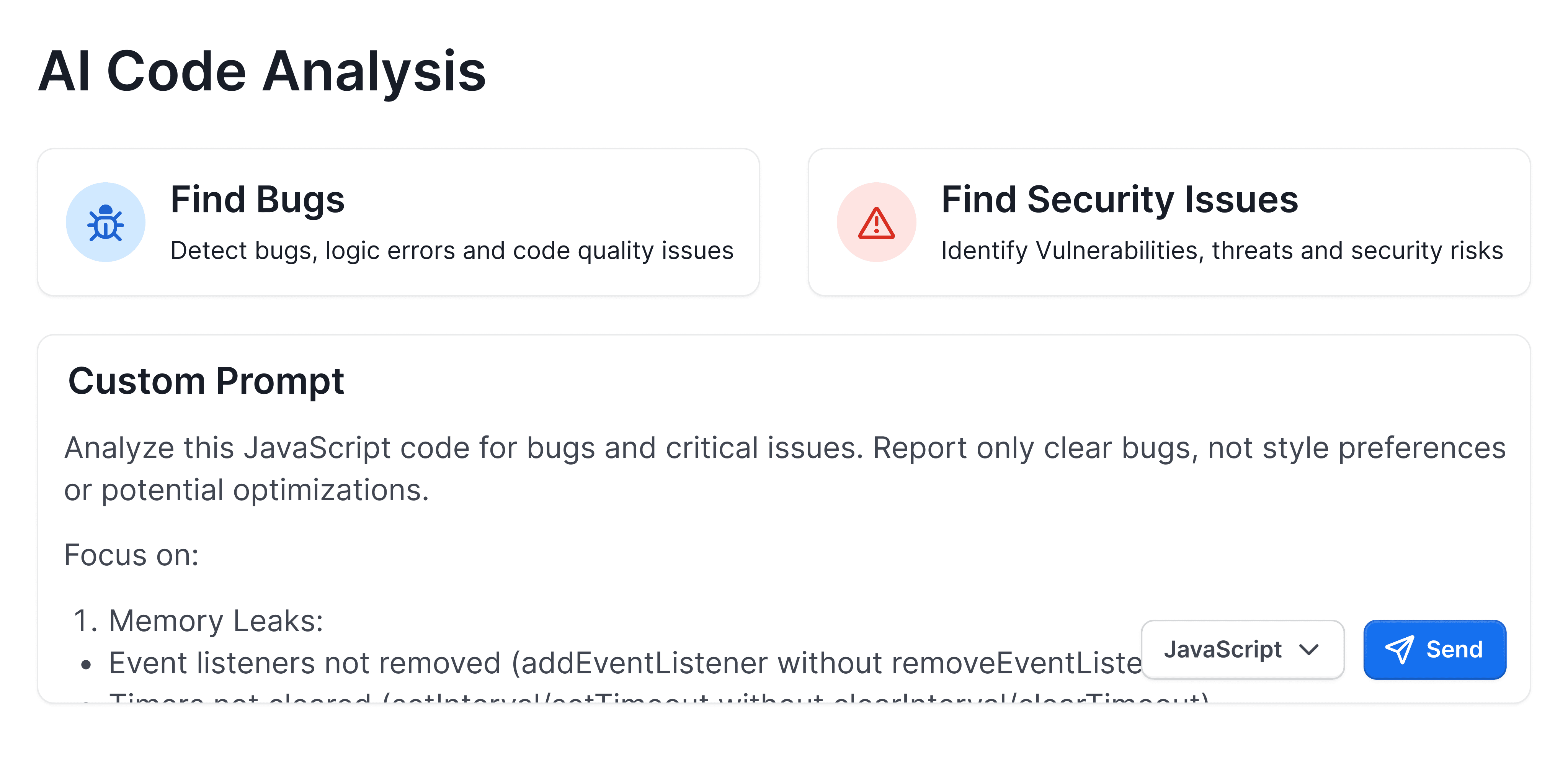
AI Code Analysis
Quality Gates
Test Coverage
AI Learnings
Docstrings
DORA Metrics
PDF Reports
Code Complexity

Understand changes in the context of your repository.

Catch issues that generic pattern checks miss.

Legacy Tools Weren’t Built for Today’s Code

With Legacy Tools
With CodeAnt AI

Rule-based, static results

Context-aware AI that learns from your codebase

Separate dashboards

Inline PR comments and IDE feedback

Noisy false positives

<2% false positive rate with AI learning loop

Manual triage

Auto-prioritized fixes & guided remediation

Limited visibility

Quality, security, and velocity insights in one place

Customer Love

Trusted by Startups to Fortune 500
Series A, $46M+ Raised

"CodeAnt AI helped us shift from reactive to proactive security. The findings were actionable from day one."

Jaspar Carmichael-Jack, CEO

Why Best Teams Love CodeAnt AI

Enterprise-grade security

CodeAnt AI is HIPAA compliant
SOC 2 Type II certified — CodeAnt AI is independently audited and compliant with SOC 2 Type II security standards

No code storage

Zero data retention

5M+ PRs/month

Handles effortlessly

1 Billion+

Lines of Code Scanned

Integration

Works with your entire stack

Git
IDE
CLI

Merge Smarter with Git

AI review on every pull request

Catches bugs, PII, and vulnerabilities

Works with GitHub, GitLab, Bitbucket and Azure DevOps

CodeAnt AI inline code review comment shown directly on a specific line inside a GitHub pull request diff view. The comment is pinned to a highlighted line of Python code and explains a detected security issue — a PII data leak where a decoded email address is being logged in plaintext using Python's logging module. The inline comment includes a severity badge labeled "Critical", a clear explanation of why the practice is dangerous (log files may be accessible to unauthorized parties), and a suggested fix showing a masked version of the email. A "Apply fix" button sits below the suggestion for one-click remediation. The surrounding diff context shows red-highlighted removed lines and green-highlighted added lines, making the issue location immediately clear to reviewers.

FAQs

How is AI code quality analysis different from traditional static analysis tools?

What is code complexity, dead code, and duplicate code, and why do they hurt engineering teams?

What are Quality Gates and how do they help engineering teams ship cleaner code consistently?

How do DORA Metrics and PDF reports help engineering managers measure and communicate code quality?

How does CodeAnt AI use AI Learnings and automated docstrings to improve code maintainability over time?